Choosing a USB fingerprint scanner can simplify and strengthen your PC security with Windows Hello. The right device offers quick, reliable biometric login, local encryption, and broad compatibility with Windows 10 and 11. Below is a concise guide to five dependable options, including design, security features, and compatibility considerations to help you pick the best fit for your setup.
| Product | Brand | Key Benefit | Compatibility |
|---|---|---|---|
| Tec Mini USB Fingerprint Reader | TEC | Fast Windows Hello authentication and file encryption | Windows 10/11 |
| Kensington VeriMark Desktop | Kensington | FIDO U2F, FIDO2 WebAuthn, broad browser support | Windows |
| Yoidesu USB Fingerprint Reader | Yoidesu | 1-touch login with 360° recognition and smart ID encryption | Windows 10/11 |
| ARCANITE USB Fingerprint Reader | ARCANITE | 360° sensor with offline secure login | Windows 10/11 |
| JIAN BOLAND USB Fingerprint Reader | JIAN BOLAND | Microsoft-certified Windows Hello login and security | Windows 10/11 |
Note: This guide prioritizes reliability, ease of setup, and compatibility with Windows Hello. All options support password-free access and data protection to varying degrees, so consider your browser ecosystem, offline needs, and whether you prefer FIDO authentication in addition to Windows Hello.
TEC Mini USB Fingerprint Reader For Windows 11/10
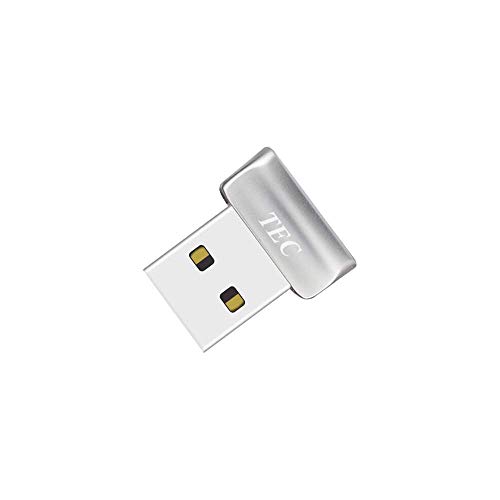
The TEC TE-FPA2 Biometric Fingerprint Scanner provides Windows Hello authentication with fast fingerprint recognition and built-in encryption for documents and folders. Designed for Windows 10 environments, it emphasizes speed and straightforward password-free access for PC users. Its compact dongle form makes it a convenient option for laptops and desktops alike, especially for users prioritizing quick, secure sign-ins and file protection.
Kensington VeriMark Desktop USB Fingerprint Reader
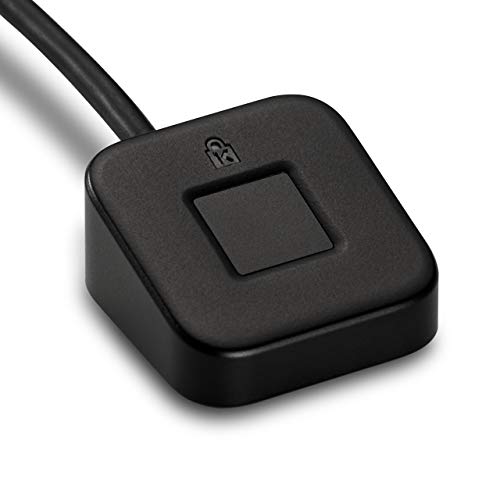
The Kensington VeriMark Desktop offers broad authentication options with FIDO U2F and FIDO2 WebAuthn compatibility. It is Windows Hello certified and integrates with multiple Microsoft services, providing a secure, passwordless experience across major browsers and platforms. Its anti-spoofing measures and strong false acceptance/rejection rates underscore a security-first approach for enterprise and personal users alike, though compatibility with ARM-based Windows devices should be verified.
Yoidesu USB Fingerprint Reader Mini

The Yoidesu USB Fingerprint Reader emphasizes reliability with full angle 360° recognition and fast login, supporting Windows 10/11 without requiring additional software. It highlights Smart-ID encryption for passwords and selective file encryption, potentially offering a secure, portable password-management layer alongside biometric sign-in. Plug-and-play design simplifies setup for most Windows systems, with compatibility touted at a 95%+ rate.
XBUNNY Windows Hello Fingerprint Reader

The XBUNNY Fingerprint Reader focuses on offline security and 360° touch precision for Windows 10/11. It acts as a local, offline vault to secure credentials without cloud synchronization, reducing exposure to online threats. The device promises fast unlock times and straightforward Windows Hello integration, with emphasis on 360° compatibility and trusted biometric performance for both desktops and laptops.
JIAN BOLAND USB Fingerprint Reader
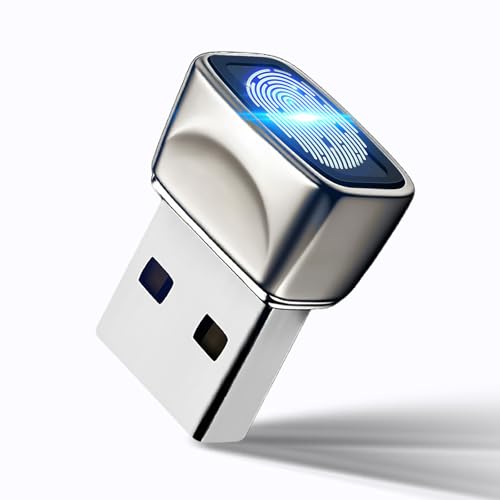
The JIAN BOLAND USB Fingerprint Reader is designed for Windows 10/11 with Windows Hello compatibility and a Microsoft-certified security profile. It emphasizes zero-driver installation, instant biometric login, and password encryption features for both browsing and file management. The device aims to streamline sign-ins while supporting encryption workflows for sensitive data and websites, making it a practical choice for secure daily use.
Buying Guide
Key considerations when selecting a USB fingerprint scanner for PC include compatibility, authentication methods, and security features. Here are the main angles to evaluate:
- Windows compatibility: Verify Windows Hello support, Windows Biometric Framework integration, and any stated limitations for ARM-based devices.
- Authentication standards: Decide between Windows Hello alone or combinations with FIDO U2F/FIDO2 WebAuthn for passwordless and multi-factor security.
- Security features: Look for anti-spoofing technology, fast false acceptance/rejection rates, local encryption options, and offline vault capabilities if cloud-based risk is a concern.
- Ease of setup: Consider plug-and-play devices with zero or minimal driver installation, especially for diverse PC configurations or corporate environments.
- Durability and form factor: Choose between dongle-type, desktop sticks, or compact portable designs based on your use case and travel needs.
- Compatibility with software ecosystems: If you rely on specific browsers, cloud services, or enterprise platforms (Office 365, Entra ID, etc.), confirm compatibility with those services.
- Privacy considerations: For users prioritizing offline operation, devices advertising offline storage or vaults can be favorable to reduce cloud exposure.
When evaluating options, prioritize devices with clear support for Windows Hello and robust biometric performance metrics. If you rely on FIDO authentication across multiple services, a model with U2F/FIDO2 compatibility can broaden security coverage, while those emphasizing offline encryption may better serve users handling sensitive data without cloud dependencies.